How to Sign Up as a Business
Get your business set up on It's Buzzing in under 5 minutes.
Sign Up NowWatch the Walkthrough
Step-by-Step Screenshots
1
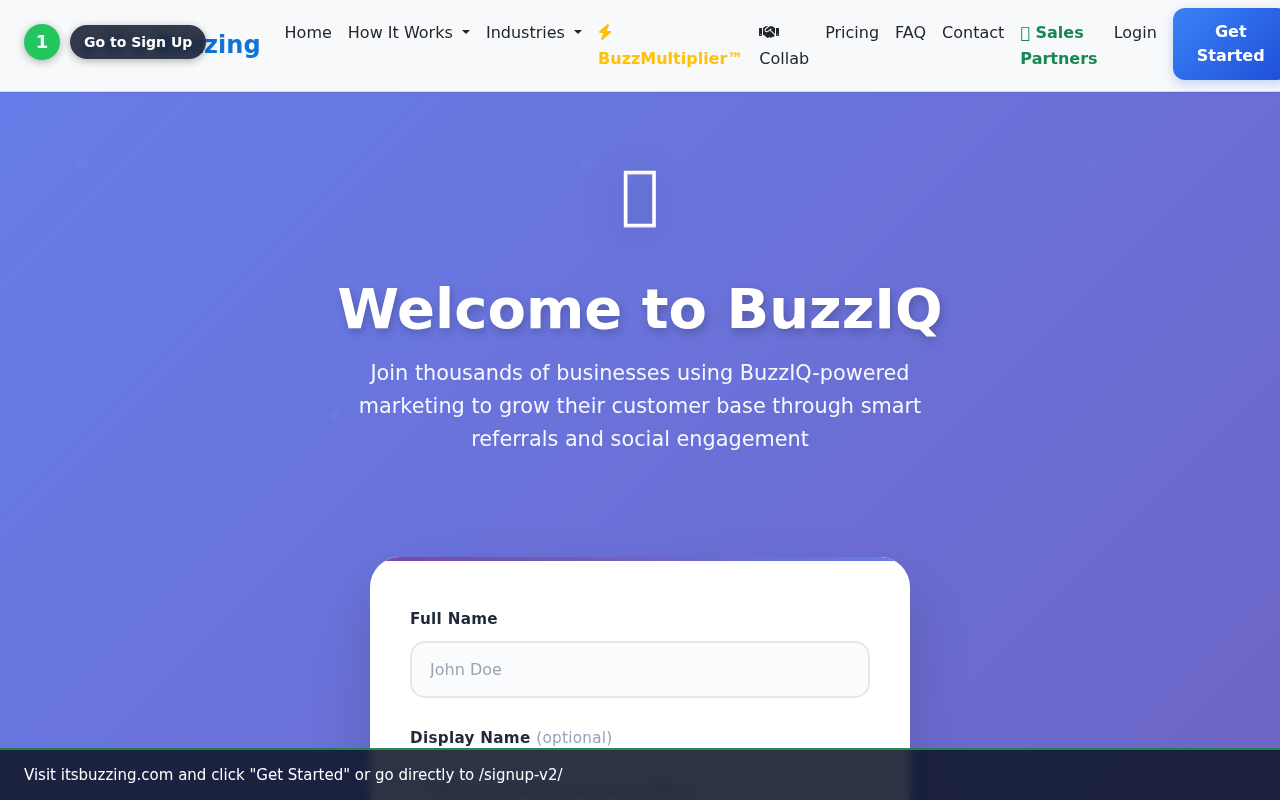
Go to Sign Up
Visit itsbuzzing.com and click 'Get Started', or navigate directly to /signup-v2/.
2
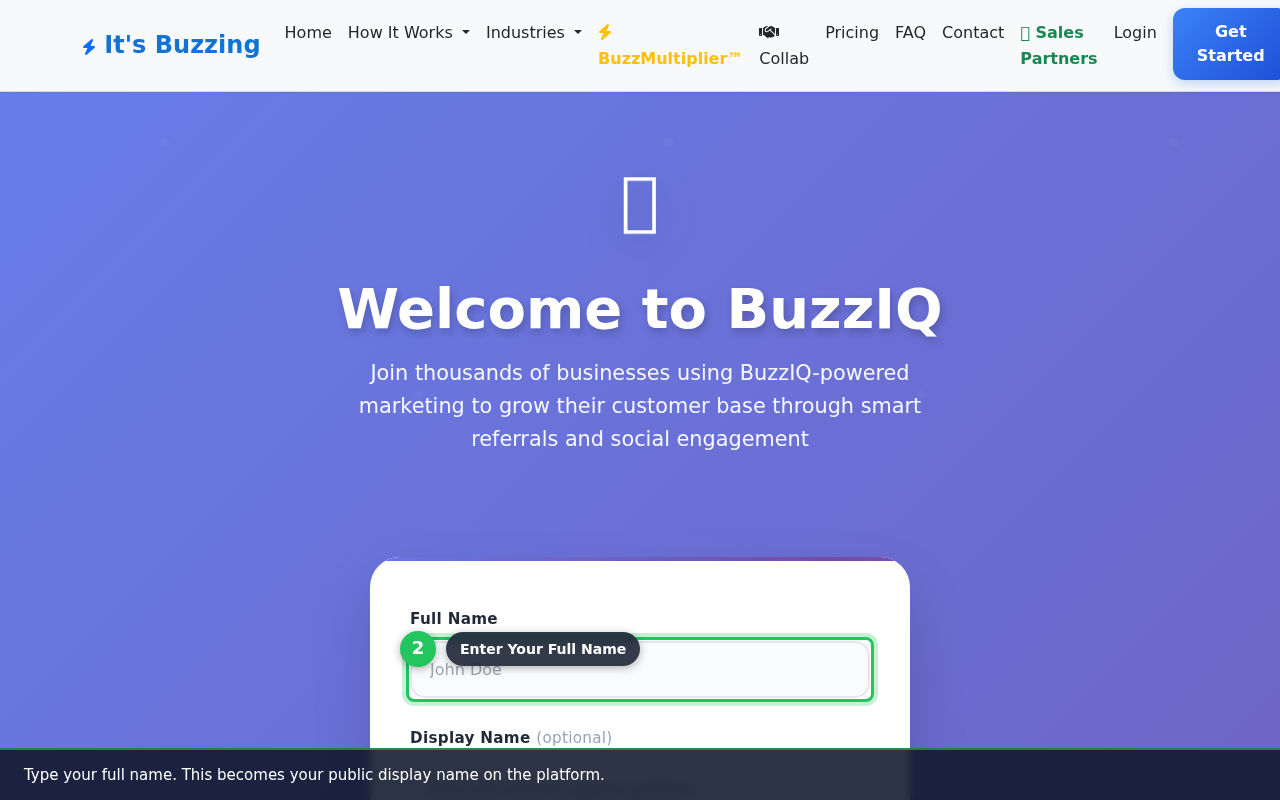
Enter Your Full Name
Type your full name. This becomes your public display name on the platform.
3
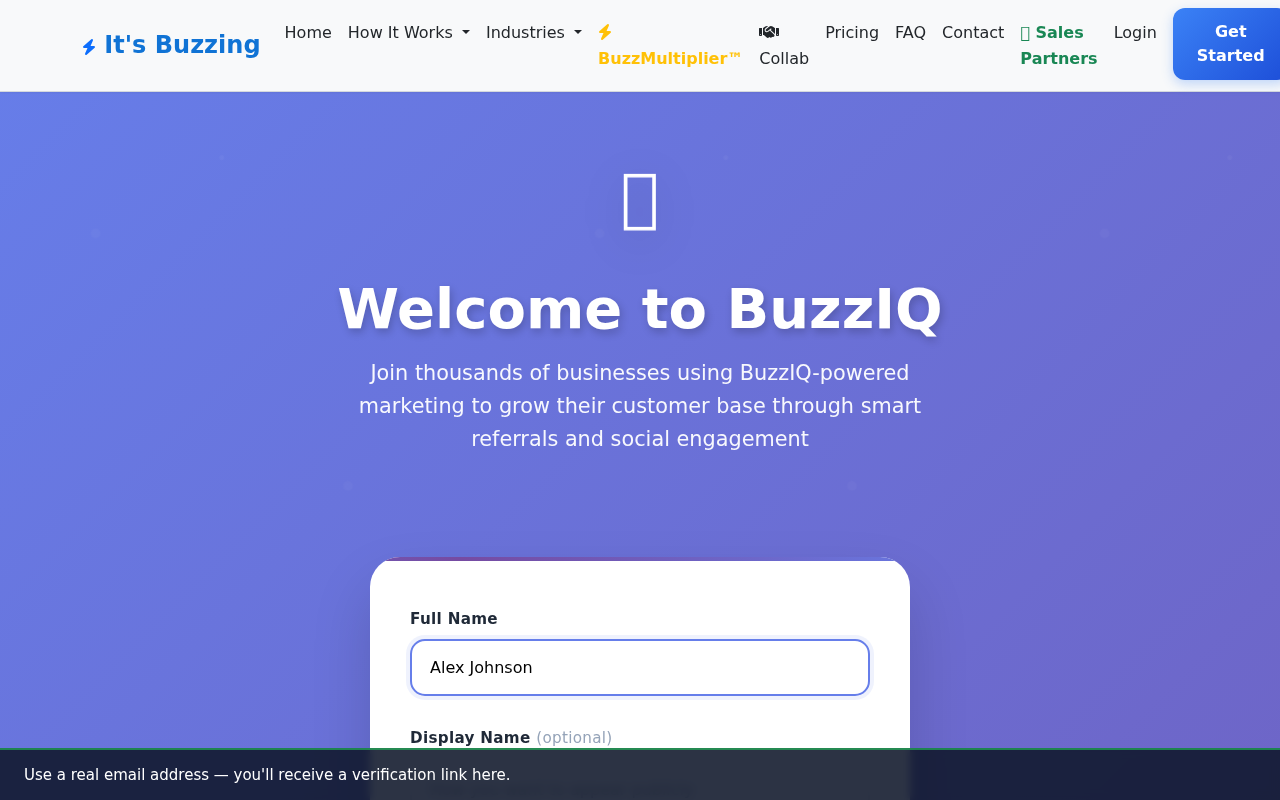
Enter Your Email
Use a real email address — you'll receive a verification link here.
4
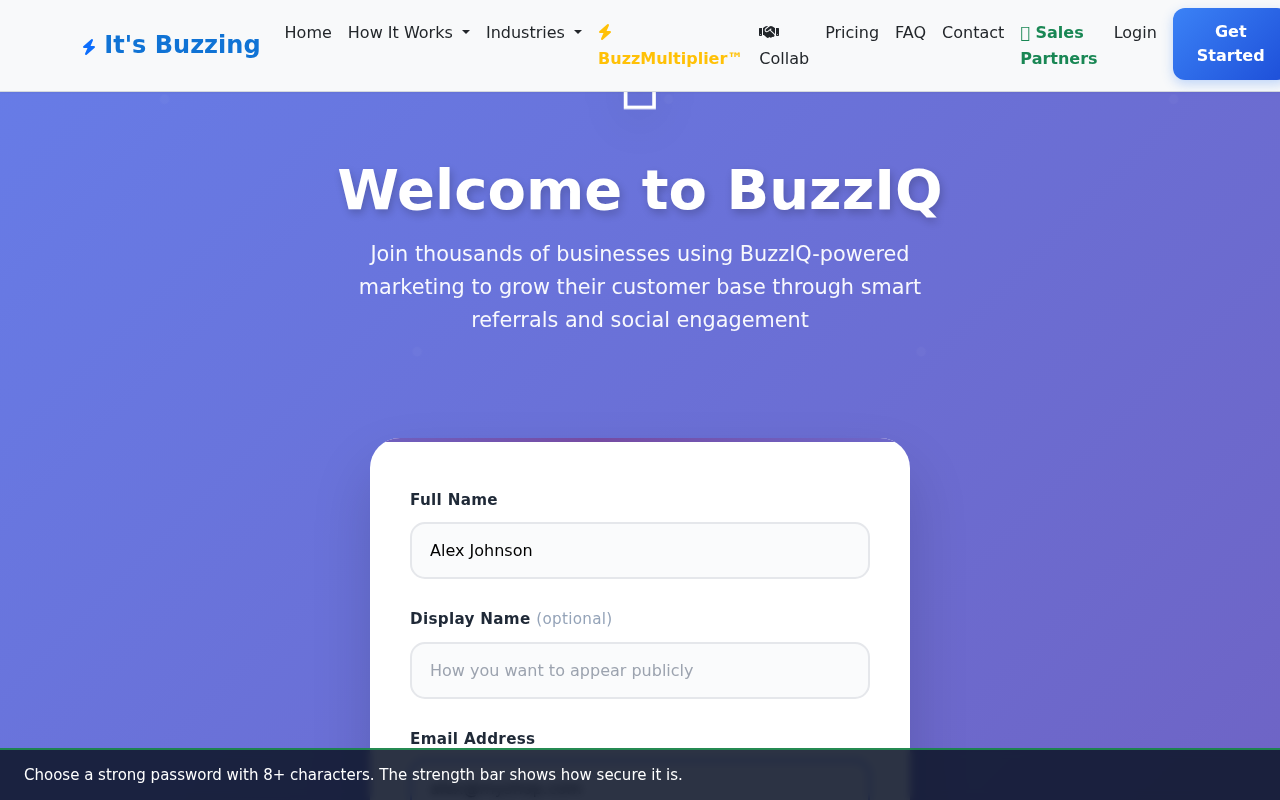
Create a Password
Choose a strong password with 8+ characters. The strength bar shows how secure it is.
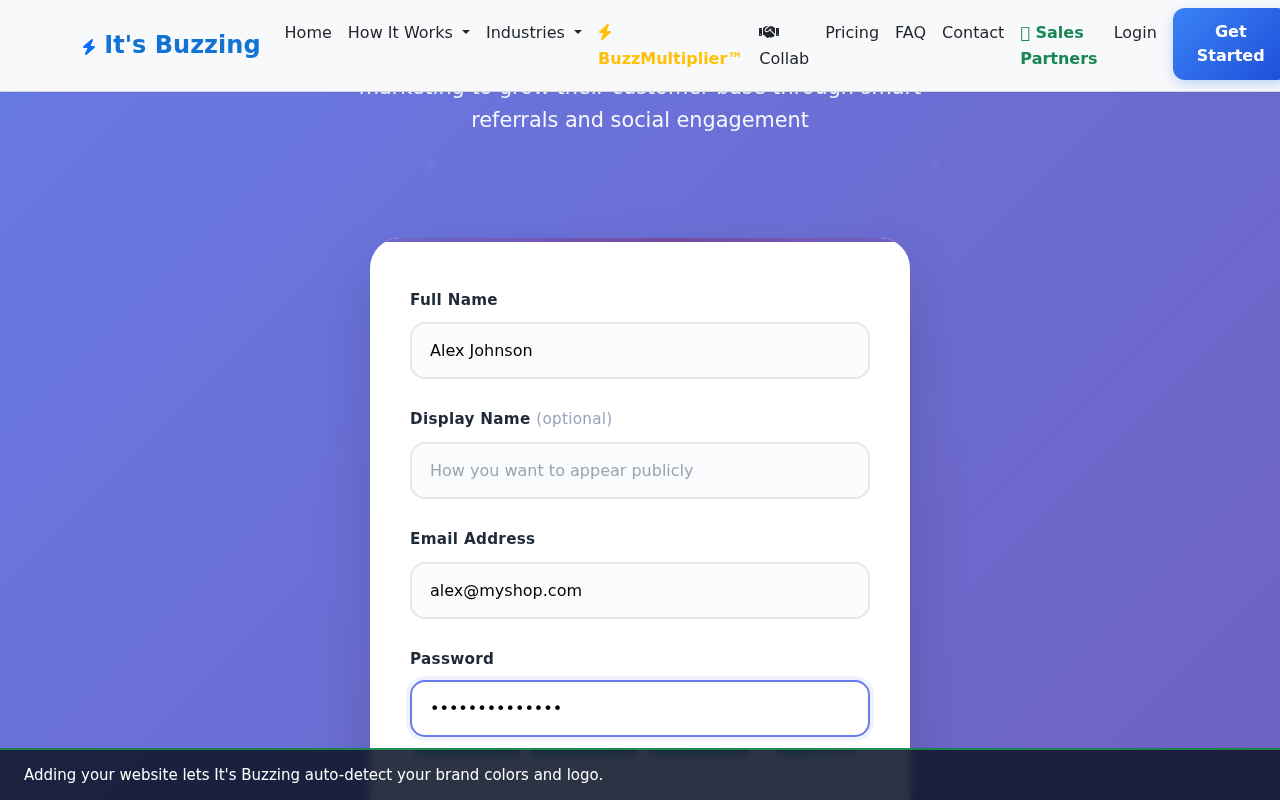
5
Add Your Website (Optional)
Adding your website lets It's Buzzing auto-detect your brand colors and logo.
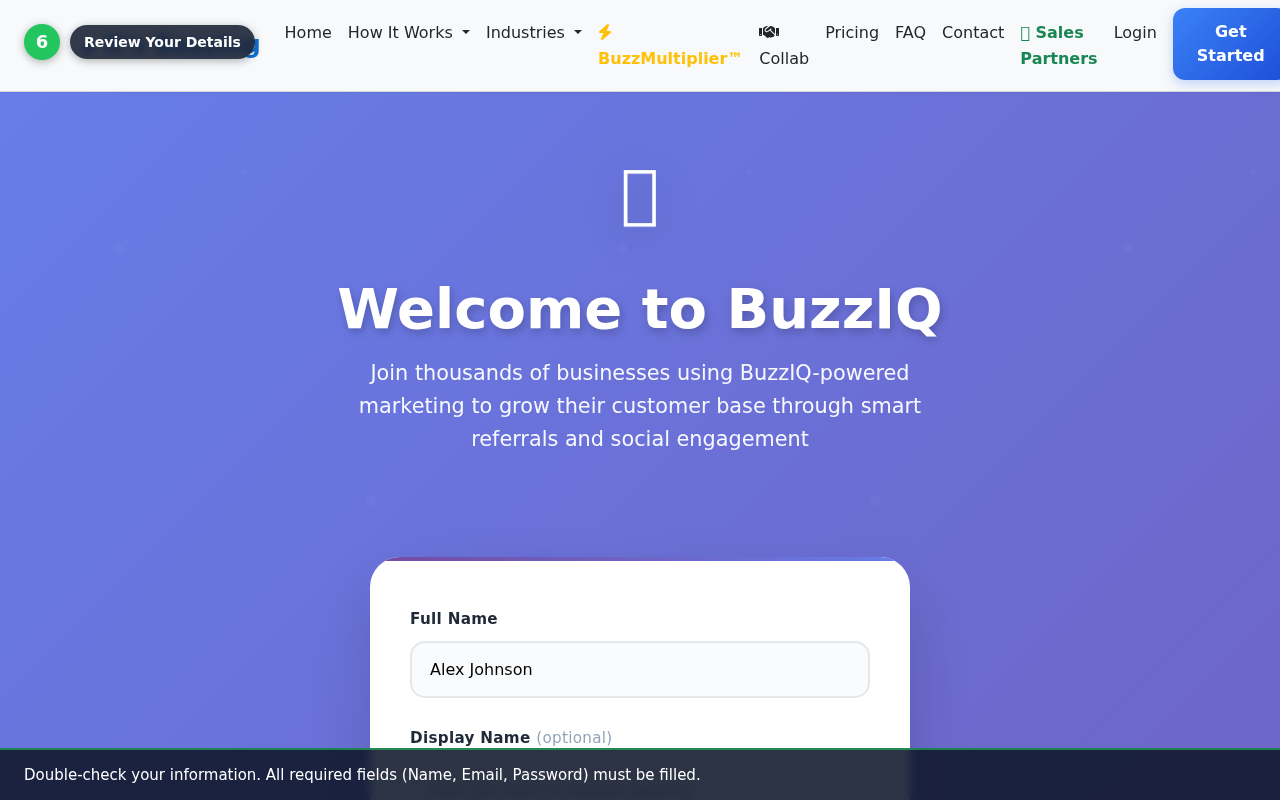
6
Review Your Details
Double-check your information. All required fields (Name, Email, Password) must be filled.
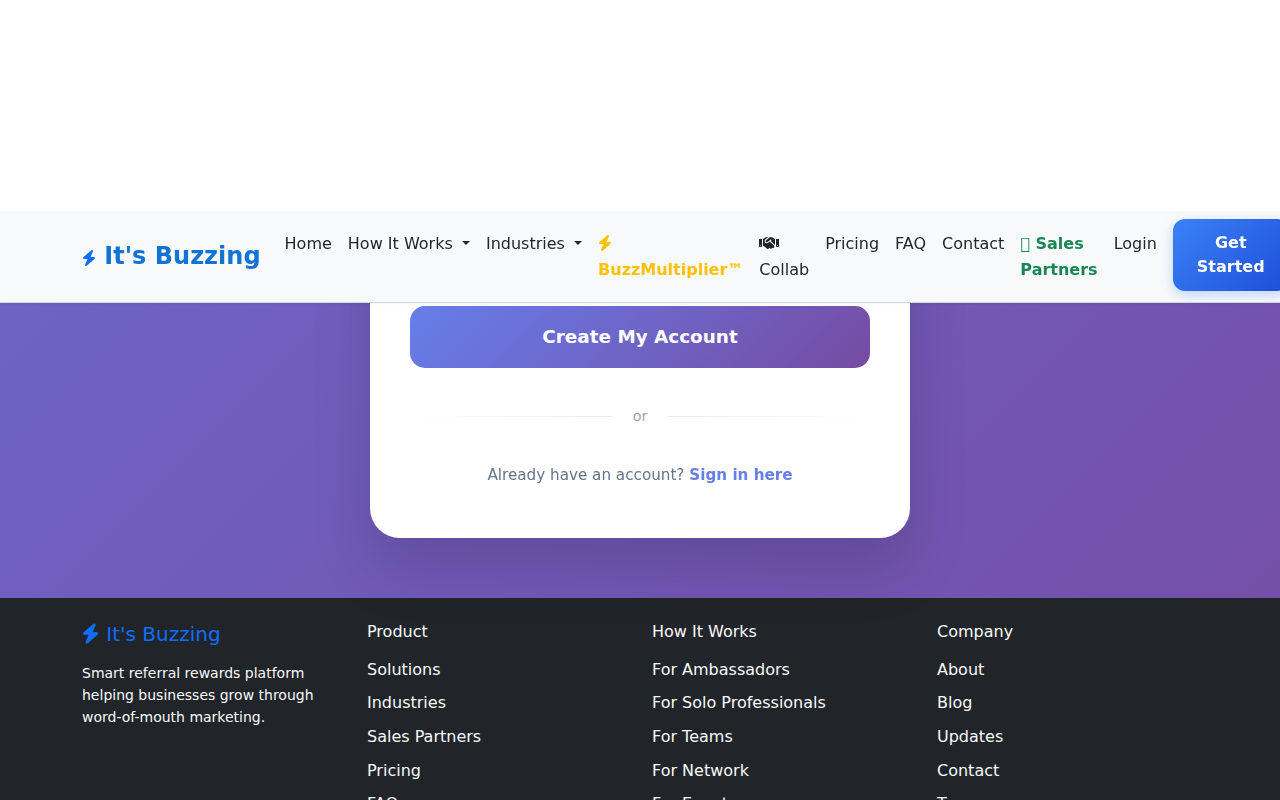
7
Click 'Create My Account'
Press the button to create your account. You'll be taken to your dashboard in seconds.
Written Steps
1
Go to Sign Up
Visit itsbuzzing.com and click 'Get Started', or navigate directly to /signup-v2/.
2
Enter Your Full Name
Type your full name. This becomes your public display name on the platform.
3
Enter Your Email
Use a real email address — you'll receive a verification link here.
4
Create a Password
Choose a strong password with 8+ characters. The strength bar shows how secure it is.
5
Add Your Website (Optional)
Adding your website lets It's Buzzing auto-detect your brand colors and logo.
6
Review Your Details
Double-check your information. All required fields (Name, Email, Password) must be filled.
7
Click 'Create My Account'
Press the button to create your account. You'll be taken to your dashboard in seconds.